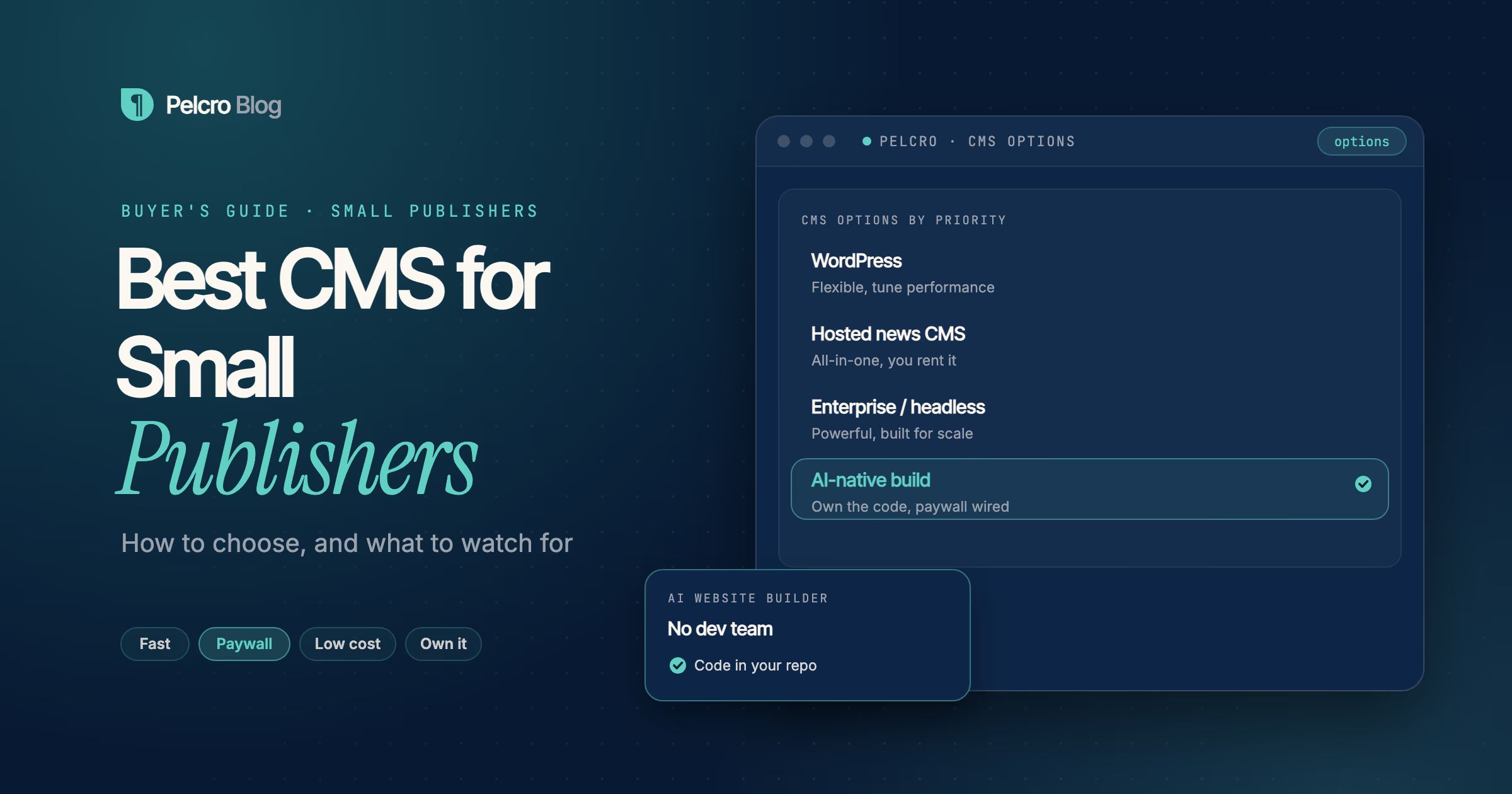
The best CMS for a small publisher is the one that lets a tiny team publish without friction, convert readers into subscribers, and keep control of the site without enterprise cost. For most small publishers that rules out heavy, services-heavy enterprise platforms and points toward a light CMS, or an AI-native build with subscriptions wired in from the start. The right answer depends less on feature count and more on how fast you can publish and how easily you can take money.
This guide is for small and independent publishers choosing a CMS. It covers what to look for, the main options and their trade-offs, and how to think about monetization, which is the part a small team can least afford to get wrong.
What should a small publisher look for in a CMS?
A small team cannot absorb the overhead a large newsroom can, so the criteria are different. Use this checklist.
- Speed to publish. One person should be able to write, edit, and publish a story without engineering help. If daily publishing needs a developer, the tool is too heavy.
- A paywall and subscriptions that work. Reader revenue is often the whole business. The paywall, billing, and the subscriber record should work together, not as three disconnected tools.
- Search performance. Fast, crawlable pages decide how much free traffic you get. A slow site quietly caps your growth.
- Cost you can predict. Avoid platforms with opaque enterprise pricing and services-heavy migrations. A small publisher needs a number it can plan around.
- Control and ownership. Owning your site and data means you can move, change, or extend it. A hosted, proprietary runtime can be quick to start and hard to leave.
- Low operational burden. You want to spend time on journalism, not on patching plugins or managing infrastructure.
What are the main CMS options for small publishers?
There is no single winner, so match the category to your priorities.
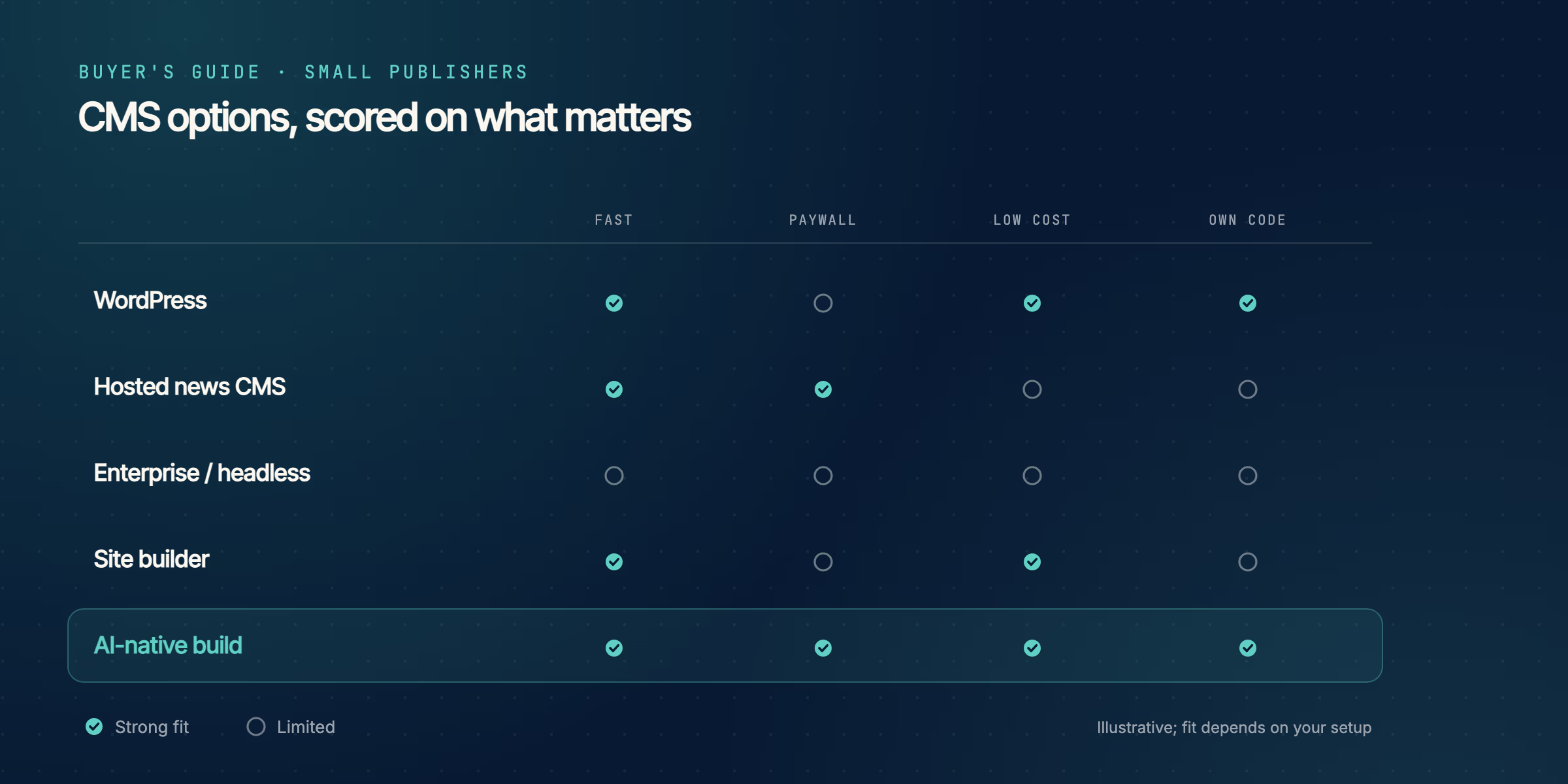
| Option | Strength | Watch out for |
|---|---|---|
| WordPress | Familiar, flexible, large plugin ecosystem | Performance tuning and plugin sprawl for membership and billing |
| Hosted news CMS | All-in-one content, ads and subscriptions | Proprietary platform you rent rather than own |
| Enterprise or headless CMS | Powerful content modeling at scale | Built for large media; cost and complexity for a small team |
| Site builders | Fast and cheap to start | Limited paywall and subscription control |
| AI-native build | Owned code with subscriptions wired in | Newer approach; you still manage content somewhere |
WordPress is the default for many small publishers and can work well, as long as you are willing to tune performance and manage the plugins that handle membership and billing. A hosted news CMS bundles everything in one platform but you do not own it. An enterprise or headless CMS is powerful but built for large media, and its cost and setup rarely suit a small team. Site builders start fast but tend to limit how much control you have over the paywall.
How does an AI-native build fit a small publisher?
An AI-native build is worth a look precisely because small publishers are short on engineering time and long on monetization pressure. Instead of configuring a platform or wiring plugins, you describe the site and an agent scaffolds it as code you own.
Pelcro's AI Website Builder does this for publishers. It generates article and section templates and a newsletter signup as ordinary code in your repository, wired to Pelcro for subscriptions and billing from the first commit, and AI Studio adds the metered paywall. For a small team that matters twice over: you get a working, monetized site quickly, and you own the code instead of renting a platform. There are builders for a subscription site, a membership site, and a nonprofit site, depending on what you run. If you already run WordPress or another CMS, AI Studio can instead mount the paywall into your existing article template, so you keep your publishing workflow and add the subscription layer. Billing, payment recovery, and print fulfillment then run on one subscriber record.
How do you keep CMS costs down as a small publisher?
Watch the pricing model, not just the sticker. Ask whether a platform charges a revenue share on top of a base fee, because that grows with your success. Ask what a migration costs, since services-heavy onboarding can dwarf the subscription. And separate the cost of content management from the cost of monetization: a cheap CMS paired with a strong subscription layer often beats one expensive platform that does both adequately. For a wider view of the subscription tooling, read subscription management software for publishers.
Give Pelcro AI Studio a request
Frequently Asked Questions
What is the best CMS for a small publisher?
There is no single best CMS; the right one depends on your priorities. For most small publishers, the deciding factors are speed to publish, a paywall and subscriptions that work together, predictable cost, and owning your site rather than renting a platform.
What is the best free CMS for publishers?
WordPress is the most common free and open-source option, and it is capable for small publishers. Budget for hosting, performance tuning, and the plugins needed for membership and billing, since those are rarely free.
Is WordPress good for small publishers?
Yes, for many. It is flexible and familiar with a large ecosystem. The main work is keeping it fast and avoiding plugin sprawl, especially for subscriptions, which is where a dedicated monetization layer helps.
How much should a small publisher spend on a CMS?
Spend what gives you predictable costs and strong monetization, not the most features. Avoid opaque enterprise pricing and revenue shares that scale with your growth, and weigh content management and subscription costs separately.
Do small publishers need a headless CMS?
Usually not. Headless shines when content feeds many channels at scale, which adds complexity a small team rarely needs. A lighter CMS or an AI-native build typically gets a small publisher live faster.
What is the easiest CMS to use?
Ease depends on your workflow. WordPress and site builders are approachable for non-technical teams. An AI-native build removes setup by scaffolding the site for you, though you then manage content in the code or a connected source.
Can a small publisher add a paywall?
Yes. A small publisher can add a metered, hard, or registration wall, either native to the CMS or mounted into an existing site. Keeping the paywall on the same record as billing avoids access and payment mismatches.
How do I start a subscription news site?
Decide your content model and your paywall, then pick tooling that connects them. Pelcro's AI Website Builder can scaffold the site, and AI Studio wires the paywall and subscriptions, or adds the subscription layer to a site you already run.
What is an AI-native CMS?
An AI-native approach builds your publishing site from a plain-language prompt as code you own, rather than configuring a prebuilt platform. For publishers, Pelcro's AI Website Builder takes this approach, with AI Studio handling the paywall, both connected to Pelcro.