Fully Integrated With Stripe For All Your Payment Processing Needs
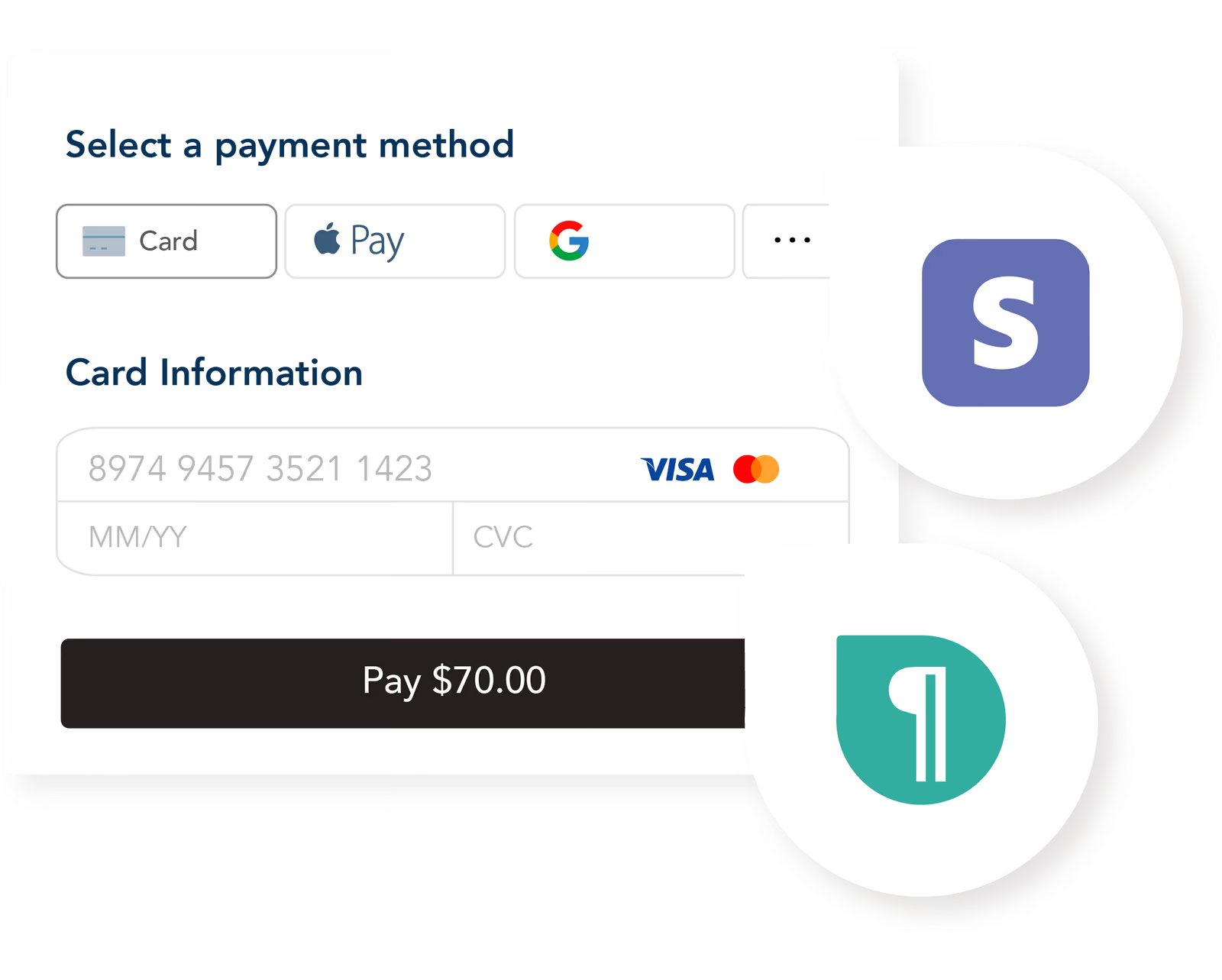
Fully integrated withs stripe for authentication, authorization, payments, shipping, and more. Built with developers in mind; robust APIs and SDKs on web and mobile for ultimate flexibility.
By submitting your email, you agree to opt in to marketing emails.
Trusted by industry leaders










Built With What You Already Use
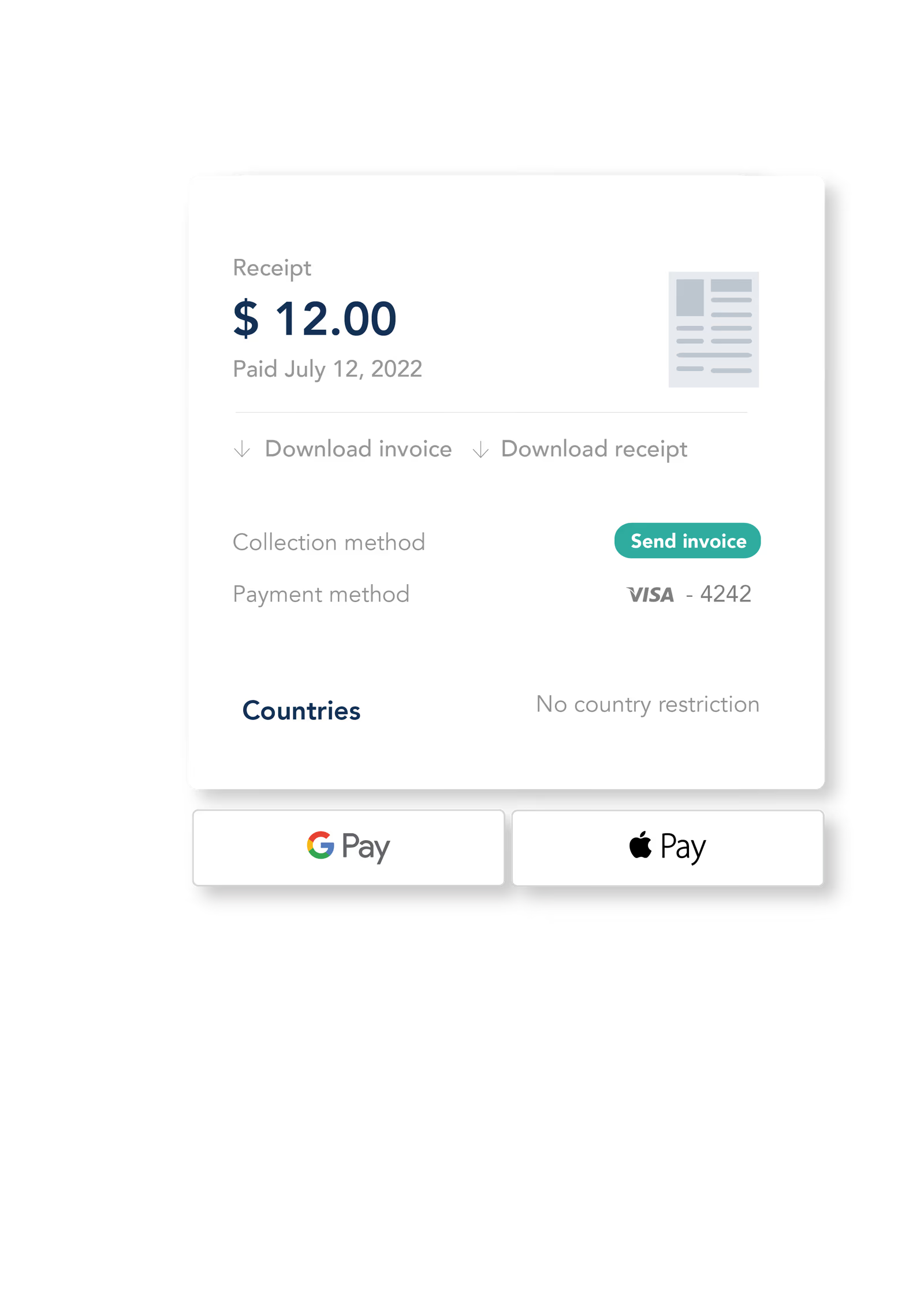
Pelcro integrates seamlessly with Stripe, so your team can keep the payment infrastructure you already trust, without rebuilding your entire billing operation. Connect your existing Stripe account in minutes and manage subscriptions, invoices, payments, and customer access from one place. No migration headaches, no payment disruption, and no need to replace the systems your finance team already relies on. Keep Stripe. Run everything else better with Pelcro.

How To Create An Account With Stripe With Pelcro
Step 1: Create a Pelcro Account 1. Head to pelcro.com and click on the ‘try for free’ button. 2. Enter your email address, a password for your account, and the location of your business. 3. Select the Pelcro plan you would like to subscribe to and enter your payment information. Then, pick a display name for your website, enter your domain’s URL, and press ‘Next.’
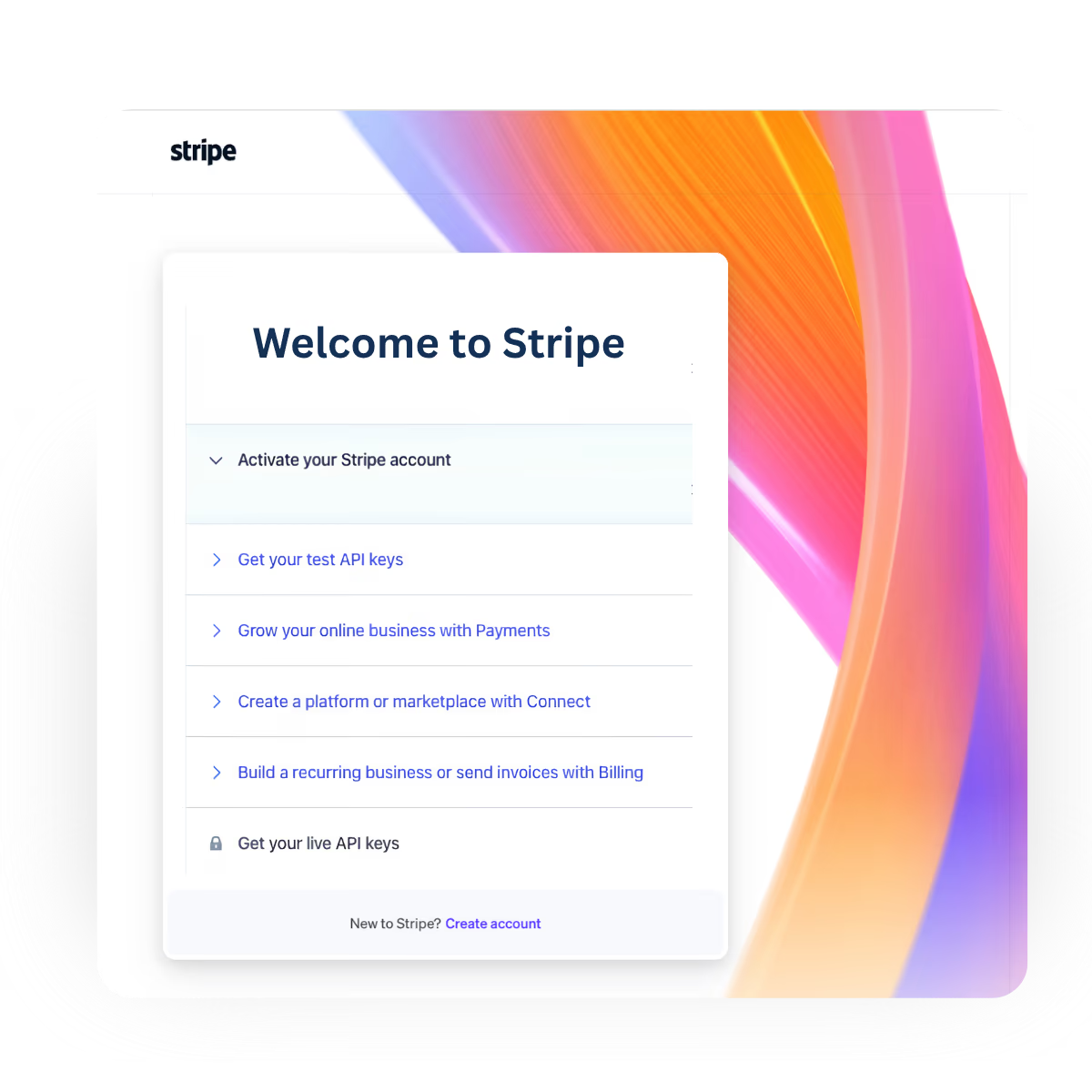
Step 2: Set up Your Stripe Account
1. Check your e-maill for instructions on how to setup up your Stripe account. Follow the link and enter a password for your new Stripe account. Then, click on ‘save your Stripe account’. 2. Familiarize yourself with your Stripe dashboard, knowing that anything you add to your Pelcro account will sync to your Stripe account. 3. Now you have a fully active Pelcro account and can start creating products, generating recurring revenue, and managing your subscribers' accounts.
What can you do with Pelcro & Stripe?
Learn how to do everything from creating a new customer and subscription to managing cancelations, renewals, and shipments at different points in time.