Free tool
Free Quote Generator
Create professional quotes in minutes. Add your line items, see totals update live, and download a polished PDF.
How to create a quote online in 4 simple steps
- 1
Add your business and client details
Enter your company name, logo, and contact details, then add the client you're quoting. These appear at the top of the finished quote.
- 2
Add line items with quantity and price
List each product or service on its own line with a description, unit price, and quantity. The subtotal and totals calculate automatically as you type.
- 3
Set tax, discounts, and validity
Choose your currency, add a tax rate, discount, or shipping fee, and set a valid-until date so the client knows how long the price holds.
- 4
Download your quote as a PDF
Click Download & print PDF and choose Save as PDF from your browser's print dialog. No signup, no email required, no watermark.
What makes a professional quote?
A professional quote should clearly identify both parties, spell out exactly what's being offered, and state how long the price is valid. At minimum, every quote needs your business name and contact details, the client's name and address, a unique quote number, the quote date and a valid-until date, a description of each item or service, and the total amount.
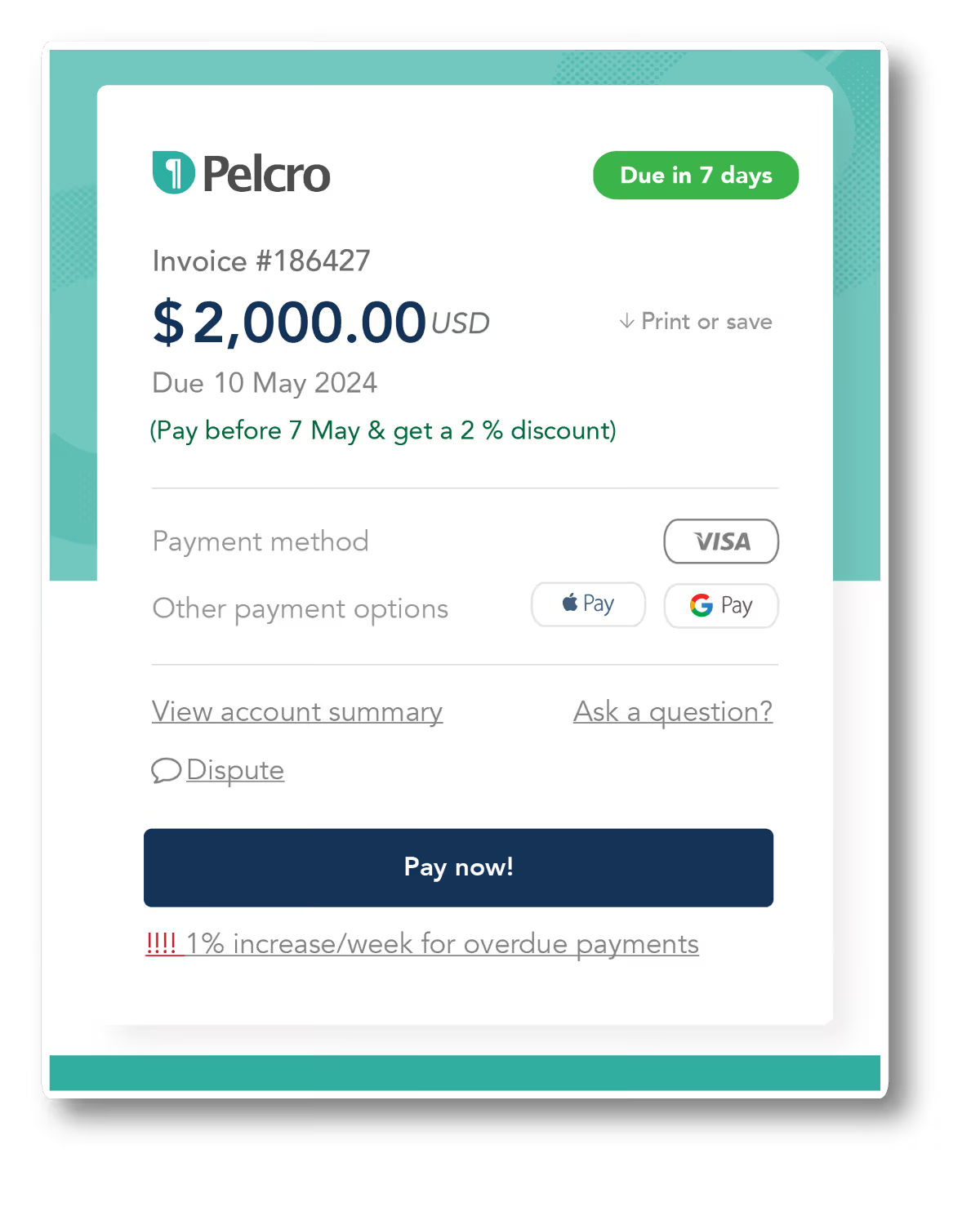
Once a client accepts your quote, the same line items usually carry over into an invoice. For subscription businesses and media companies, that hand-off should be automatic — Pelcro's billing platform turns accepted quotes into recurring invoices and collects payment without manual work.

Do you work with recurring billing or subscriptions?
With Pelcro you can automate billing for subscribers and members — generate quotes and invoices, collect payment, and reconcile at scale without lifting a finger.
Explore Pelcro billing →10 key sections of a quote
Every professional quote should include these ten elements to ensure it's clear, easy to accept, and simple to turn into an invoice.
FAQ about creating
a quote.
Looking for more free tools and templates?
Explore all Pelcro free resources