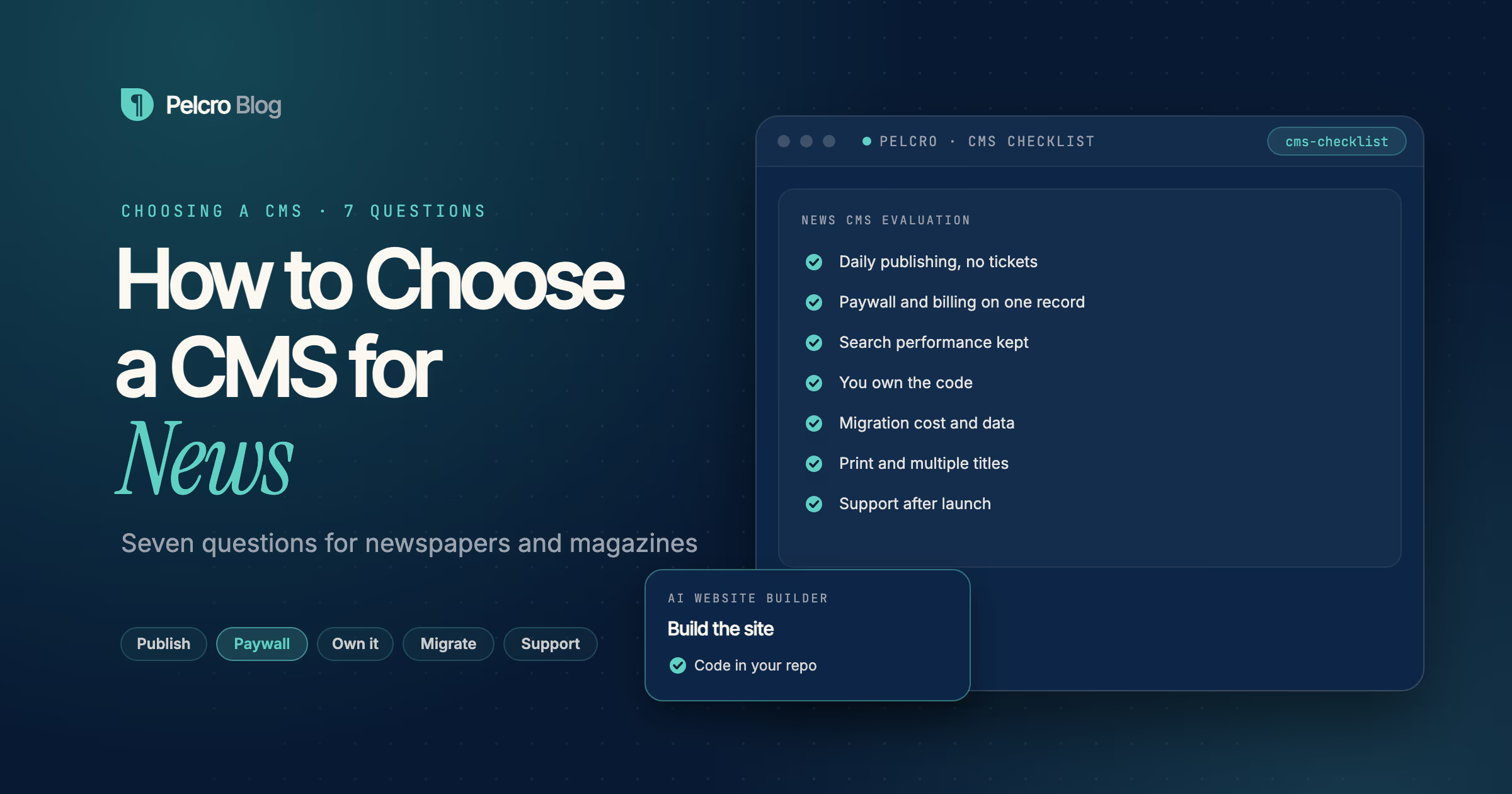
Choosing a CMS for news comes down to seven questions: how your team publishes day to day, how the system handles your paywall and subscriptions, whether it keeps you fast in search, how much of the code you own, what a migration costs, how it scales to print and multiple titles, and what support looks like after launch. A CMS for news is the software a publication uses to produce, organize, and deliver its content online, so the right one depends on how you make money, not just how you publish.
This guide is for publisher and audience teams at newspapers and magazines choosing or replacing a CMS. It walks through the seven questions that separate a system you grow with from one you re-platform off in two years.
What is a CMS for news?
A CMS, or content management system, is the software a publication uses to create, organize, and publish its content. A CMS for news adds the things a newsroom specifically needs: article and section templates, an archive, author pages, a homepage that updates through the day, and a way to gate or meter stories for subscribers.
News CMS platforms differ most in how much they try to own. Some are all-in-one hosted systems that bundle the CMS with advertising, apps, and a paywall. Some are headless or composable, where the content backend is separate from the front end your readers see. And some publishers run a general CMS like WordPress and add monetization on top. The questions below exist to find out which shape fits your newsroom and your revenue model.
What should you look for in a CMS for news?
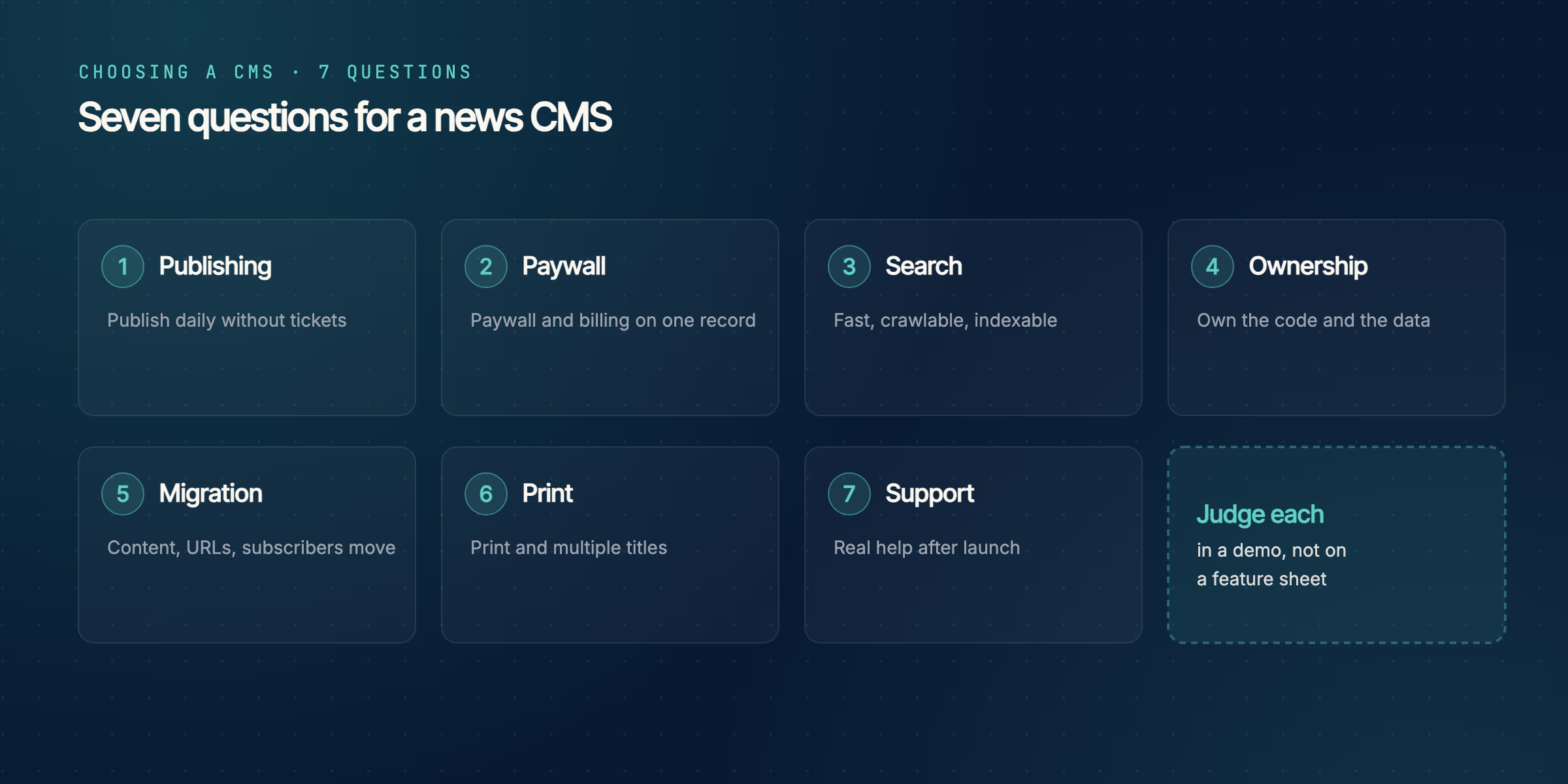
Run a candidate through these seven questions. Treat each answer as something to see in a demo, not a line on a feature sheet.
- How does your team publish every day? A reporter should be able to write, edit, and publish without filing a ticket. Ask to see the editor, the section layout, and how a breaking story reaches the homepage.
- How does it handle a paywall and subscriptions? A paywall bolted on later behaves differently from one wired into the platform. Ask whether metering, registration walls, and billing live on one subscriber record or across separate tools.
- Does it keep you fast and visible in search? Page speed and clean, crawlable markup decide how much search traffic you keep. Ask about Core Web Vitals, structured data, and whether gated pages stay indexable.
- How much of it do you actually own? Hosted all-in-one systems can be quick to start and hard to leave. Ask whether you get the code and the data, or a proprietary runtime you rent.
- What does migrating in and out cost? Moving articles, URLs, redirects, and subscriber records is where re-platforms go wrong. Ask who does the work and whether your archive and SEO survive the move.
- Can it scale to print and multiple titles? If you mail a print edition or run several brands, ask whether circulation, fulfillment, and shared templates are native or a separate system.
- What is support like after launch? Publishers without an in-house dev team live or die on this. Ask what you can reach after go-live, and how long a typical change takes.
How is an AI-native approach different from a traditional CMS?
A traditional CMS gives you an admin interface and a set of templates, and you fit your publication into them. An AI-native approach flips that order: you describe the site you want and an agent builds it as real code, which your team then owns and edits.
| Consideration | Traditional CMS | AI-native build |
|---|---|---|
| Starting point | Fit your site into preset templates | Describe the site and generate the templates |
| Ownership | Often a hosted, proprietary runtime | Ordinary code committed to your repo |
| Monetization | Paywall and billing often added on | Paywall, newsletter and billing wired from the start |
| Changing it later | Request a feature or a customization | Edit the code, or prompt the agent to change it |
Neither is automatically better. A busy newsroom that publishes dozens of stories a day needs a strong daily editing experience, and a traditional CMS or a headless content backend may be the right core for that. The AI-native question is worth asking when owning your code and wiring monetization in from day one matter more than a prebuilt admin.
How does Pelcro fit a news CMS stack?
Pelcro is not a drop-in replacement for an editorial CMS. It is the subscription and monetization layer, with two AI tools around it. The AI Website Builder scaffolds a publishing site from a prompt, including article and section templates and a newsletter signup, as code your team owns and wired to Pelcro from the first commit. AI Studio, Pelcro's agent for paywalls and checkouts, adds the metered paywall and makes any later change you describe in a sentence. The news website builder walks through a full build.
If you already run a CMS you have no intention of replacing, AI Studio works with it instead. It reads your theme, finds where the article body renders, and mounts the paywall there, so your CMS, templates, and deployment pipeline stay as they are. Either way, the subscriptions, billing, payment recovery, and print fulfillment run natively on one subscriber record. For a side-by-side view of the wider field, read subscription management software for publishers.
Watch Pelcro AI Studio change a news site
Frequently Asked Questions
What is the best CMS for a news website?
There is no single best CMS for news, because the right choice depends on how you publish and how you make money. Judge candidates on the daily editing experience, how they handle a paywall and subscriptions, search performance, and how much of the system you own.
What CMS do most newspapers use?
Newspapers run a mix: hosted all-in-one news platforms, headless or composable systems at larger titles, and general platforms like WordPress with monetization added on. Many pair a CMS for content with a separate subscription platform for billing and paywalls.
How much does a news CMS cost?
Pricing ranges widely, from low monthly fees for a WordPress setup to opaque enterprise contracts for large composable platforms. Ask for the price at your projected traffic and subscriber count, and whether there is a revenue share on top of a base fee.
Do I need a CMS to publish a news site?
You need a way to produce and organize content, which a CMS provides. Some publishers now scaffold that site as code with an AI agent instead of adopting a packaged CMS, then own and edit the result directly.
What is the difference between a CMS and a subscription platform?
A CMS manages and publishes your content. A subscription platform handles billing, paywalls, and the subscriber record. Some tools try to do both, and many publishers run one of each and connect them.
Can I add a paywall to my news CMS?
Yes. A paywall can be native to the CMS, a third-party integration, or a gate mounted into your existing article template. The cleanest setups keep the paywall on the same record as billing so a subscriber is recognized on every device.
Is WordPress good for news publishing?
WordPress is common and flexible for news, with a large plugin ecosystem. The trade-offs are performance tuning and stitching together plugins for membership and billing, which is where a dedicated subscription layer helps.
What is an AI-native CMS?
An AI-native approach builds your publishing site from a plain-language prompt as real code, rather than fitting your site into a prebuilt admin. Pelcro's AI Website Builder takes this approach, and AI Studio wires the paywall, with everything connected to Pelcro for subscriptions.
How do I migrate my news site to a new CMS?
Plan for content, URLs, redirects, and subscriber records, in that order. Ask the vendor who does the migration work, whether your archive and SEO survive, and whether saved payment cards transfer without re-asking subscribers to pay again.