Free tool
Free Invoice Generator
Create professional invoices in minutes. Fill in your details and download a polished PDF.
Enter your email to download your invoice
Your browser will open a print dialog — choose “Save as PDF”
How to use the free invoice generator
Fill in your details
Add your company information, your client's billing address, and set the invoice date and due date.
Add line items
List the services or products you're billing for. The subtotal, tax, and total are calculated automatically.
Download as PDF
Enter your email, click Download PDF, and save the invoice from your browser's print dialog.
What makes a professional invoice?
A professional invoice should clearly identify both parties, specify what was delivered, and state the payment terms. At minimum, every invoice needs your business name and contact details, the client's name and address, a unique invoice number, the invoice date and due date, a description of each item or service, and the total amount due.
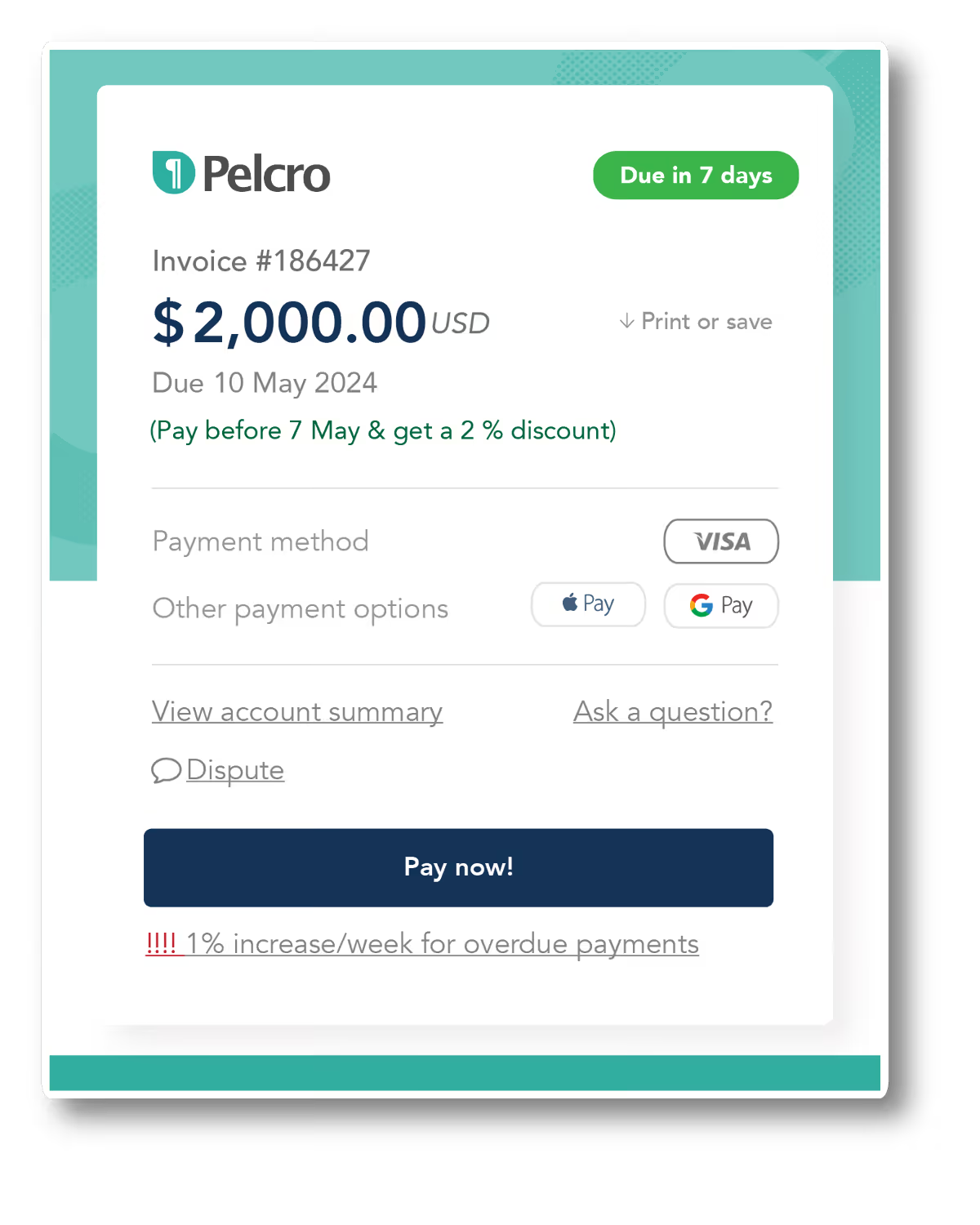
For subscription businesses and media companies, invoices often also include a billing period, a purchase order reference, and bank or payment gateway details. Pelcro's invoice automation software handles all of this automatically — generating, sending, and reconciling invoices at scale.

Do you work with recurring billing or subscriptions?
With Pelcro you can automate invoicing for subscribers and members — generate, send, and reconcile invoices at scale without lifting a finger.
Explore Pelcro billing →10 key sections of an invoice
Every professional invoice should include these ten elements to ensure it's legally sound, easy to pay, and simple to file.